Top 7 Benefits of Professional Image Editing for E-commerce Success
Professional Image Editing is the most critical factor in converting a casual browser into a loyal buyer. In the highly competitive digital marketplace, your customers cannot touch, feel, or smell your products physically. They rely entirely on one sense: sight. If your product photos look dull, cluttered, or inconsistent, you are losing money every single day. This comprehensive guide explores how high-quality post-production work transforms businesses.
Statistics show that over 75% of online shoppers rely heavily on product photos when deciding on an online purchase. High-quality images built through detailed Professional Image Editing instantly build customer trust. When a product is presented clearly with a clean finish, it signals to the customer that your brand is credible, authentic, and cares deeply about quality.
Why Visual Presentation is the Backbone of E-commerce
Every major online marketplace, including Amazon and Shopify, enforces strict standards for uploaded media. Standard smartphone photography is simply not enough to compete anymore. To stand out and attract organic traffic, implementing targeted Professional Image Editing is essential to make your storefront look pristine
Essential Elements of Professional Image Editing
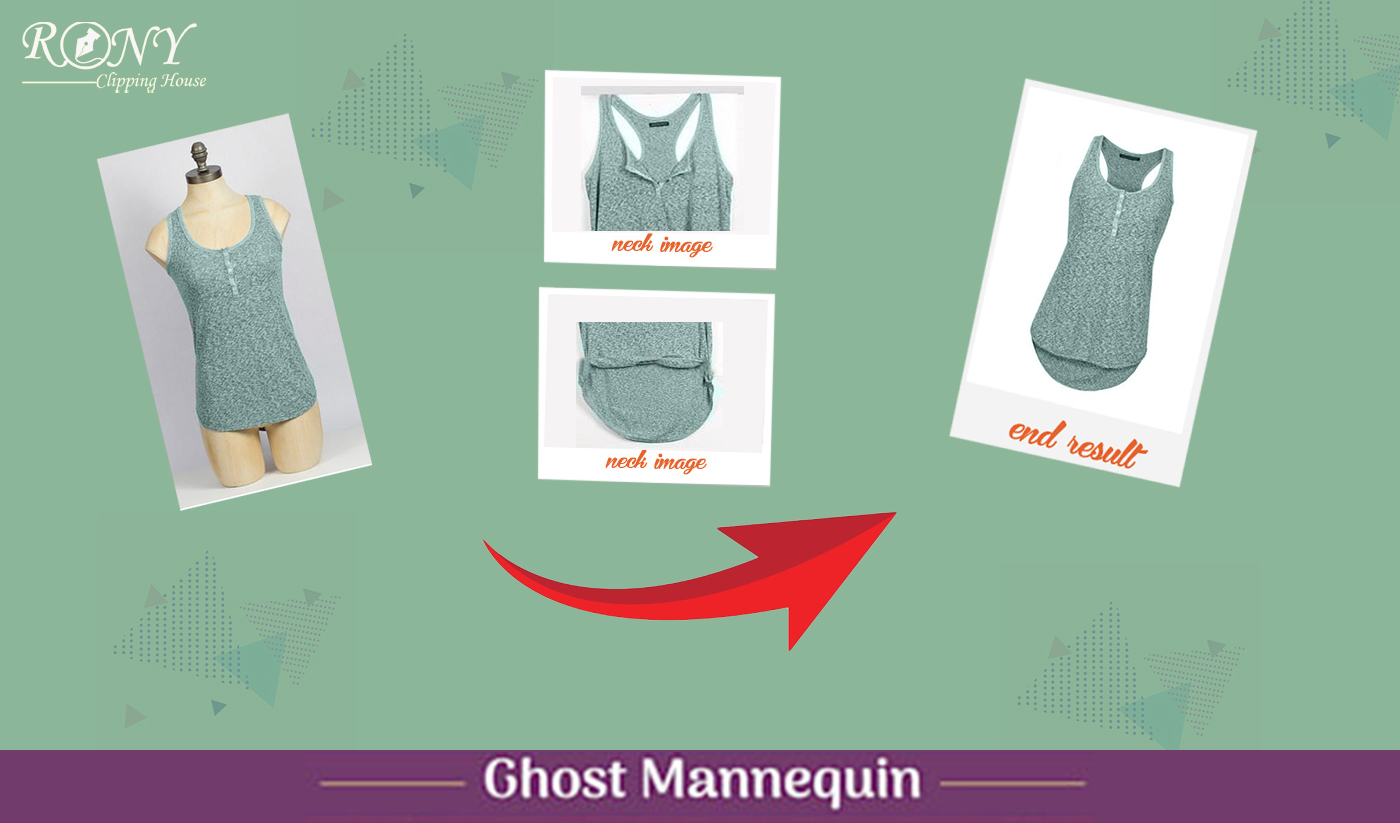
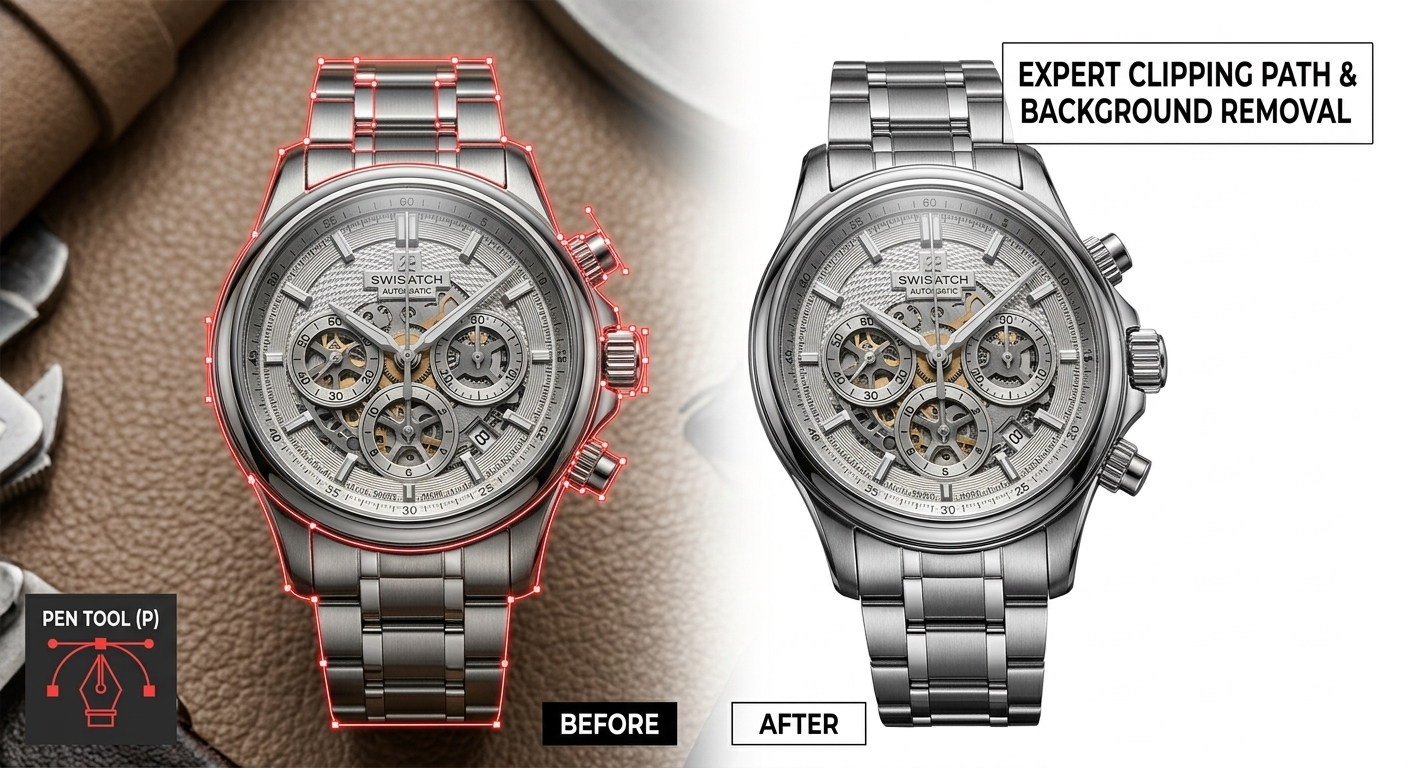
1. First Impressions and Background Removal: Your hero image is your digital storefront. Using advanced techniques like clipping path and background removal ensures that the customer’s focus remains 100% on the product without any distracting elements from the original shoot.
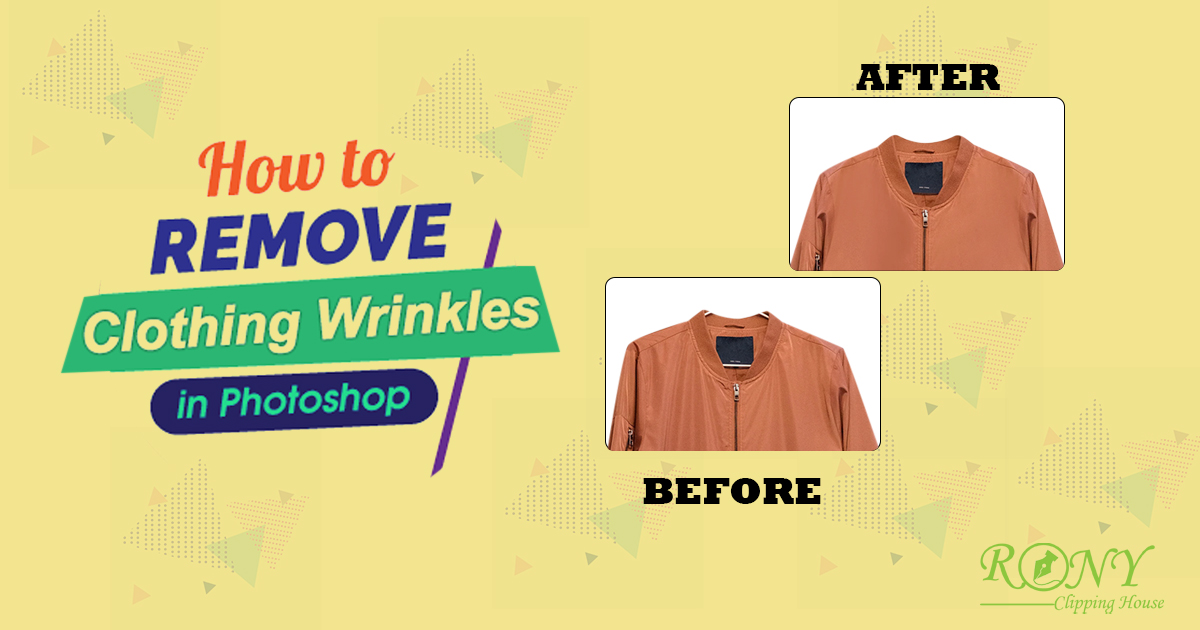
- 2. Product Consistency is Key: A professional website must maintain a completely uniform look across all collections. Whether you sell luxury jewelry, apparel, or electronics, having consistent margins, lighting, and shadows creates a seamless browsing experience.
- 3. Color Correction and Realism: Studio lighting can frequently alter the true colors of physical items. Through careful color matching, editors make sure the online preview perfectly matches reality, reducing high product return rates significantly.
Top 7 Advantages of Professional Image Editing
Establishes Brand Identity: Consistent visual language helps define your business footprint
- Accelerates Conversion Rates: Pixel-perfect images remove purchasing hesitation.
- Improves Customer Retention: Beautiful catalogs keep shoppers engaged longer.
- Reduces Expensive Returns: Accurate colors prevent customer dissatisfaction.
- Boosts Marketing Campaign ROI: Clean ads achieve much better click-through rates
- Saves Time and Resources: Outsourcing allows you to focus purely on scale.
- Enhances Organic SEO Visibility: Well-optimized files load faster and rank higher.
Optimizing for Better Search Engine Rankings
High-quality media does not just attract human buyers; it actively helps you rank on Google. By utilizing strategic Professional Image Editing practices and pairing your web assets with optimized image Alt-tags, your listings are far more likely to surface on search engine result pages (SERPs).
Conclusion
If you want to quickly scale your store and attract buyers globally, implementing Professional Image Editing into your workflow is mandatory. Let an expert post-production team handle your graphics while you focus on driving growth. For additional insights on optimizing your product pages, read our comprehensive [Internal Link Here] and review the official Shopify Photography Guidelines for industry standards.